Treat renewals as your real growth number
New subscribers feel good, but the page grows when people stay. A fan who renews for three months is worth three new fans who leave after one, and keeping them costs far less effort than finding new ones. Turn on auto renew reminders where the platform allows it, and look at your renewal rate every week, not just your total count.
Give people a reason to stay before the month ends. A short preview of what is coming next week, posted a few days before most renewals, works better than any discount. Fans renew for what they expect to get, so tell them.
- Post on a fixed rhythm so fans know when to check in, for example four or five feed posts a week
- Pin a short post that explains what the page offers and how often you post
- Use renewal discounts sparingly, mainly for fans who turned auto renew off
- Thank long term fans personally, a short message after a few months goes a long way
Run your inbox like a small shop, not a chat room
For most pages the inbox is where the majority of income happens, through PPV messages and tips. It is also where creators burn out. The fix is structure. Decide when you answer messages, keep a few saved replies for common questions, and tag fans by how they engage so you know who wants conversation and who wants new sets.
Be honest in every message. OnlyFans has clear rules about what you can promise and how you can sell, and fans notice when replies feel scripted or misleading. Friendly, quick and truthful beats long and clever.
- Set two or three inbox windows a day instead of answering all the time
- Keep notes on regular fans (preferences, what they bought, how they like to be addressed)
- Never pressure, never invent urgency you cannot keep
- If a fan asks for something outside your boundaries, say no once, clearly, and move on
If the inbox is taking over your week, this is exactly what OnlyFans management covers: scheduled chatting shifts and fan care within platform rules, while you keep control of your boundaries.
Keep your pricing clean and easy to understand
Confusing pricing loses sales. Fans should understand in a few seconds what the subscription includes and what costs extra. OnlyFans lets you set a subscription between 4.99 and 49.99 USD per month or run a free page, and each model needs a different approach. A paid page should deliver steady feed content for the price. A free page lives on PPV and needs a stronger message calendar.
Review your prices every month. Look at which PPV sets sold, at which price, and to how many fans. If a price point never sells, it is too high for that content or the preview is weak. If everything sells instantly, you may be underpricing. Our guide on how much to charge on OnlyFans walks through this in detail.
- Write one short line on your profile that says what the subscription includes
- Keep PPV prices in a few clear tiers instead of random numbers
- Avoid sending the same paid set to the whole list twice
- Bundle older content at a lower price instead of letting it sit unused
Plan mass messages a week ahead
Mass messages are powerful and easy to overuse. Too many and fans mute you, too few and you leave income on the table. A simple calendar helps: one or two paid messages a week, a couple of free check ins, and a clear theme for each. Send at the times your fans are most active, which your statistics page shows.
Split your list when you can. Fans who bought last week should not get the same offer as fans who have not bought in two months. For a ready list of themes, see our post with OnlyFans mass message ideas.
- Write a strong first line, it is often the only part fans read before opening
- Use a blurred or cropped preview that shows enough to be interesting
- Keep a log of what you sent, to whom and what sold
- Rest the list for a day after a big paid message
Promote outside the platform without risking your accounts
OnlyFans has no real discovery inside the site, so traffic comes from outside: Reddit, X, Instagram and TikTok. Each platform has its own rules about adult content and links. Reddit and X are usually the main sources for adult creators, while Instagram and TikTok work only with safe, non explicit posts that point people to a link page.
Use separate promo accounts under your creator name, never your personal profiles. Post regularly, follow the rules of each community, and track which source brings subscribers who actually stay. One channel done well beats four done badly.
- Read the rules of every subreddit before posting and respect posting limits
- Keep Instagram and TikTok content fully safe for those platforms
- Use a link page so you can see which channel sends clicks
- Repost your best performing teasers instead of always creating new ones
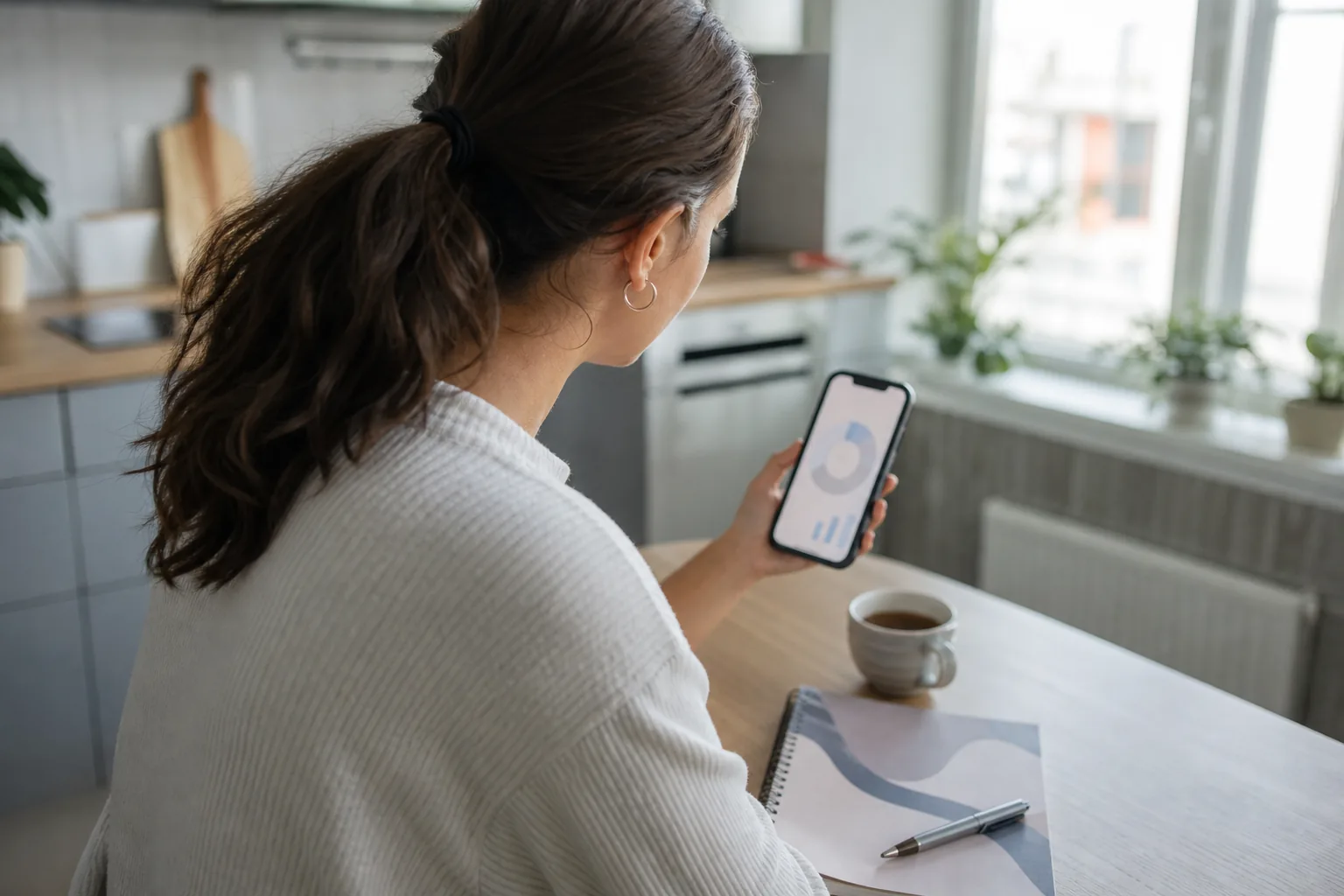
Look at a few numbers every week
You do not need a dashboard full of charts. Five numbers tell you most of what you need: new subscribers, renewal rate, PPV sales, tips and earnings per fan. Write them down every week in the same place. After a month you will see patterns, which posts bring renewals, which days sell, which promo channel is worth your time.
When a number drops, change one thing at a time so you know what worked. If you want this done for you, our OnlyFans analytics service sends a weekly report with clear next steps.
- Track earnings per fan, not only total earnings
- Compare weeks, not single days
- Note what you changed each week next to the numbers
Protect your time and your privacy
A page that runs for years beats one that burns bright for two months. Batch your shooting into one or two days a week following a simple shot list, schedule posts ahead, and keep days off the inbox. Your energy is part of the business.
Privacy matters just as much. Use a pseudonym, keep personal social accounts private and separate, turn on geoblocking for regions where people might know you, and check photos for anything that reveals where you live. Our safety page explains how we approach this with every creator.
- Shoot in batches and schedule a week of posts at a time
- Remove location data and check backgrounds for mail, windows or landmarks
- Keep a separate email and phone number for your creator business